• Skip to primary navigation
  • Skip to main content
  • Skip to primary sidebar
technzee logo

Technzee

reaking Down the Machines That Power Computing

  • Home
  • Blog
  • Terms
    • Privacy
    • Disclaimer
  • Support
  • Subscribe
  • Contact
  • Show Search
Hide Search

Windows OS

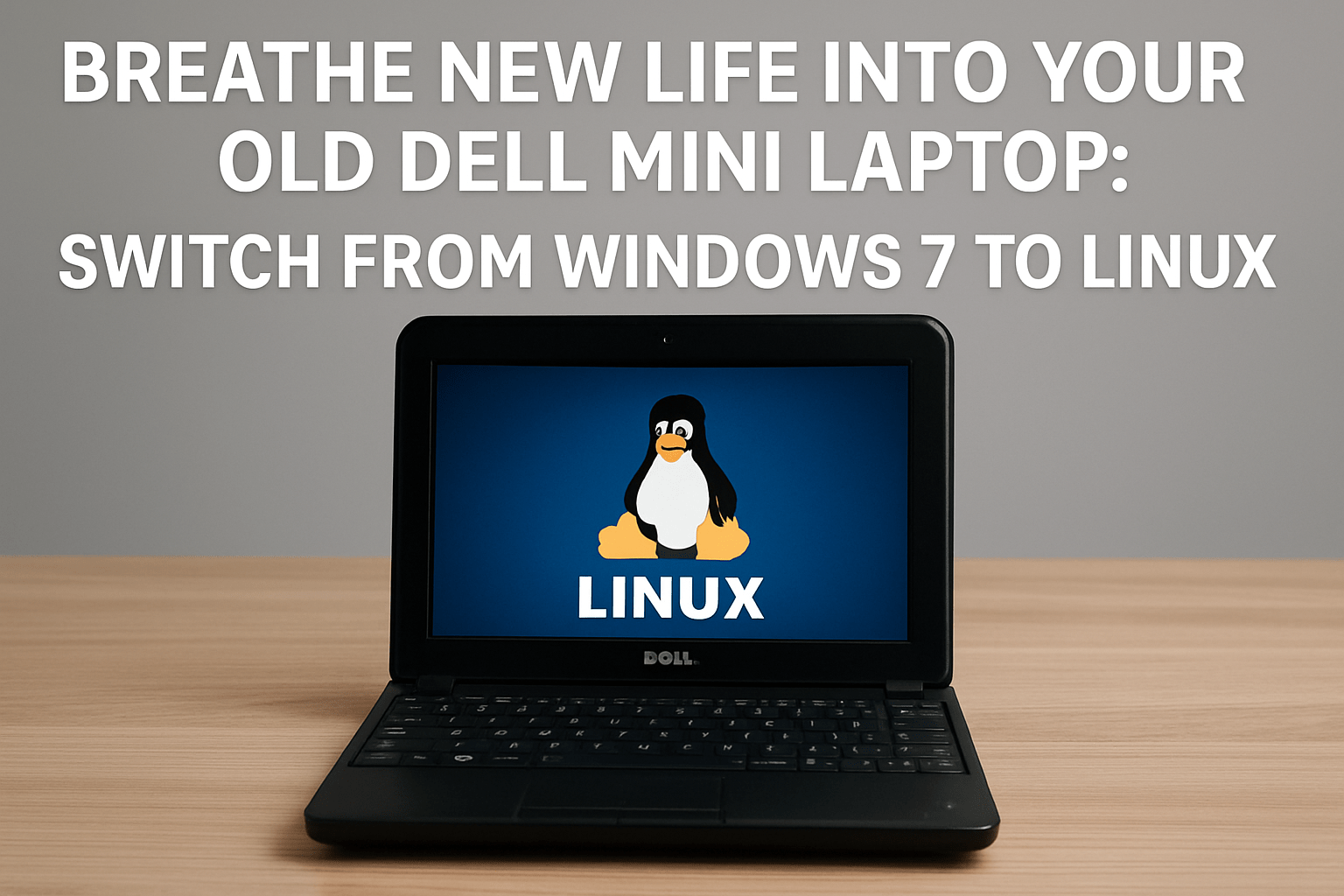
Breathe New Life Into Your Old Dell Mini Laptop: Switch from Windows 7 to Linux

September 9, 2025 by Rajeev Bagra

If you still have a Dell mini laptop running Windows 7, you’ve probably noticed that it feels outdated and insecure. Since Microsoft ended support for Windows 7, the system no longer gets updates, leaving you exposed to security risks. But instead of throwing the laptop away, you can switch to Linux, a free and open-source operating system that will keep your device useful for years to come.

Why Linux?

  • Still supported: Modern Linux distributions (distros) are updated regularly.

  • Lightweight options: Perfect for older laptops with 1–2 GB RAM.

  • Free software: Includes browsers, office tools, coding environments, and multimedia players.

  • Secure by design: No need to worry about viruses in the same way as on Windows.


Best Linux Options for Old Laptops

Here’s a quick comparison of some great Linux distros for older machines like Dell mini laptops:

Distro Minimum RAM Ease of Use Look & Feel Best For Download
Linux Mint XFCE 1 GB (2 GB recommended) ⭐⭐⭐⭐ Modern, Windows-like Beginners Download
Lubuntu (LXQt) 1 GB ⭐⭐⭐⭐ Clean & light Beginners and daily use Download
Peppermint OS 1 GB ⭐⭐⭐ Cloud + local hybrid Web browsing, light tasks Download
antiX 256 MB ⭐⭐ Very minimal Very old hardware Download
Puppy Linux 256 MB ⭐⭐ Basic but fast Extreme lightweight use Download

How to Install Linux

  1. Download the ISO file of the Linux distro you want.

  2. Create a bootable USB drive using a tool like Rufus (Windows) or Balena Etcher (cross-platform).

  3. Boot your Dell mini laptop from USB (change boot order in BIOS if needed).

  4. Try Linux live session first (runs without installing).

  5. Install to hard drive when ready.

Step-by-step guides:

  • How to Install Linux Mint

  • Ubuntu Desktop Installation Guide


Dual-Boot Option: Keep Windows 7 Alongside Linux

Not ready to say goodbye to Windows 7? You can dual-boot:

  • Linux installs alongside Windows without erasing it.

  • At startup, you’ll get a menu (called GRUB bootloader) to choose between Windows or Linux.

  • This is useful if you want to use Linux for secure web browsing and documents, but keep Windows 7 for older offline programs.

How to Set Up Dual-Boot

  1. Backup your data first — always important.

  2. During Linux installation, choose “Install alongside Windows” (option available in most installers like Mint or Ubuntu).

  3. The installer will automatically resize your Windows partition and create space for Linux.

  4. Restart, and you’ll see the boot menu with both systems.

Guide: Dual-Boot Ubuntu and Windows

⚠️ Note: Since Windows 7 is unsupported, you should avoid using it online. Keep it for offline tasks only. Use Linux as your main secure system.


Final Thoughts

Switching to Linux will keep your old Dell mini laptop secure, updated, and surprisingly useful for web browsing, documents, emails, and coding. You can choose to replace Windows 7 completely for maximum speed and safety, or set up a dual-boot system if you want the flexibility of keeping Windows for offline use.

Instead of retiring the machine, you’ll have a lightweight, modern system that works smoothly without the baggage of outdated Windows software.

Linux, LinuxONE, IBM Z, and Windows OS: How They Relate and Why They Matter for Programmers

August 24, 2025 by Rajeev Bagra

When learning computer science or preparing for a career in software development, you’ll encounter different operating systems. The most common names include Linux and Windows, but enterprise-grade systems like IBM Z and LinuxONE also play a crucial role in the computing world. Understanding how these systems relate, vary, and complement each other gives you a clearer picture of the OS landscape and helps you make smarter career choices.


🔹 Linux: The Open-Source Workhorse

Linux is an open-source operating system kernel created by Linus Torvalds in 1991. Over the years, it has grown into the foundation of countless distributions such as Ubuntu, Red Hat Enterprise Linux, Debian, and Fedora.

  • Where Linux Dominates:
    Linux powers over 90% of cloud servers, supercomputers, and even Android smartphones.

  • Why Programmers Care:

    • Learn system programming, shell scripting, and networking.

    • Study OS internals by exploring Linux source code.

    • Master DevOps and cloud tools like Docker and Kubernetes.

📘 Learn more: The Linux Foundation Training


🔹 IBM Z: The Mainframe Backbone

IBM Z is IBM’s family of mainframes—high-powered enterprise computers designed for maximum reliability and performance. They act as the backbone of global industries: banks, governments, airlines, and healthcare providers all rely on IBM Z for billions of secure transactions daily.

  • Key Features:

    • 99.999% uptime reliability.

    • Handles millions of transactions per second.

    • Runs both z/OS (proprietary) and Linux on Z.

  • Why Programmers Care:
    Learning IBM Z exposes you to enterprise-grade computing concepts: fault tolerance, massive scalability, and virtualization.
    You also get hands-on experience with COBOL and modern programming stacks side by side.

📘 Learn more: IBM Z Student Hub


🔹 LinuxONE: Linux at Enterprise Scale

While IBM Z supports both z/OS and Linux, LinuxONE is a specialized system designed to run Linux-only workloads.

  • What It Offers:

    • Optimized for cloud-native apps, fintech, blockchain, and AI workloads.

    • Runs modern Linux distributions like Ubuntu, Red Hat, and SUSE.

    • Built with sustainability in mind (reduced energy footprint).

    • Supports containers and Red Hat OpenShift on mainframes.

  • Why Programmers Care:
    LinuxONE combines the familiarity of Linux with enterprise mainframe power, making it perfect for learning cloud-native development at scale.

📘 Learn more: LinuxONE Overview


🔹 Windows OS: The Desktop Powerhouse

Windows grew to dominate the desktop and enterprise office ecosystem. First released in 1985, Windows is now the default OS for millions of PCs worldwide.

  • Where Windows Dominates:

    • Personal computing (desktops, laptops).

    • Gaming (strong GPU support, DirectX).

    • Corporate IT with Active Directory, Office, and .NET.

  • Why Programmers Care:

    • Strong development ecosystem for C#, .NET, and enterprise tools.

    • Commonly used for Windows Server environments.

    • Ideal if you plan to work within the Microsoft ecosystem.

📘 Learn more: Microsoft Learn – Windows


🔗 How They Relate and Differ

OS / System Type Market Focus Key Strengths
Linux Open-source kernel + distros Servers, cloud, embedded, dev tools Flexibility, transparency, community
Windows Proprietary OS Desktops, enterprise IT, gaming User-friendly, Microsoft ecosystem
IBM Z Mainframe (supports z/OS & Linux) Banking, government, critical apps Reliability, scalability
LinuxONE Linux-only mainframe Cloud-native, AI, fintech Enterprise Linux at massive scale

🚀 Why This Matters for CS Learners

  • Linux → The foundation for programming, cloud, and DevOps.

  • Windows → The desktop ecosystem and Microsoft enterprise stack.

  • IBM Z → Teaches enterprise-scale reliability and legacy-modern integration.

  • LinuxONE → Shows how Linux powers critical, modern enterprise workloads.

Together, they represent the entire spectrum of computing—from your personal laptop to the backbone of the global financial system.

By Rajeev Bagra

Primary Sidebar

Recent Posts

  • GitHub Codespaces vs VS Code: What’s the Difference? (Explained Simply)
  • Hosting a Website From a Personal Computer (Self-Hosting): Is It Possible?
  • Working with HTML & Git on Primebook (PrimeOS / PrimeX) — A Practical Guide
  • There Is No Sharp Line Between Hardware, Software, and the Cloud — It’s All One Continuum
  • Can You Use a Primebook Laptop for MCA DSC Filing?

Archives

  • January 2026
  • December 2025
  • September 2025
  • August 2025

Categories

  • Blog
  • Dell
  • IBM
  • Laptops Lenovo laptops
  • Linux
  • LinuxOne
  • LinuxONE IBM
  • mainframes
  • operating system
  • OS
  • PrimeOS AndroidOS PrimeBook HubSpot Website Builder
  • PrimeOS Operating Systems AndroidOS WindowsOS Linux
  • Windows OS
  • x86 LinuxONE mainframes IBM

Trending (30 days)

  • Working with HTML & Git on Primebook (PrimeOS /… ߎ Who this session is for Learners using Primebook /… (0)
  • Breathe New Life Into Your Old Dell Mini Laptop:… If you still have a Dell mini laptop running Windows… (0)
  • There Is No Sharp Line Between Hardware, Software,… In everyday discussions, we often draw hard boundaries between concepts… (0)
  • GitHub Codespaces vs VS Code: What’s the Difference?… When beginners start learning coding (or even when professionals switch… (0)
  • Hosting a Website From a Personal Computer… At the end of the day, every website—whether it’s on… (0)

Start your hardware journey with clarity.Read Articles

Technzee

This website may use AI tools to assist in content creation. All articles are reviewed, edited, and fact-checked by our team before publishing. We may receive compensation for featuring sponsored products and services or when you click on links on this website. This compensation may influence the placement, presentation, and ranking of products. However, we do not cover all companies or every available product.

  • Home
  • Blog
  • Terms
  • Support
  • Subscribe
  • Contact
Scroll Up